Is the sensor and the app the whole product? Is anything else needed?
The planned product combines a sensor and app. It needs a suitable electrical installation, a 2.4 GHz Wi‑Fi network for reporting and installation by a qualified electrician. The package contents and installation procedure will be confirmed against the released hardware.
What appliances can it detect?
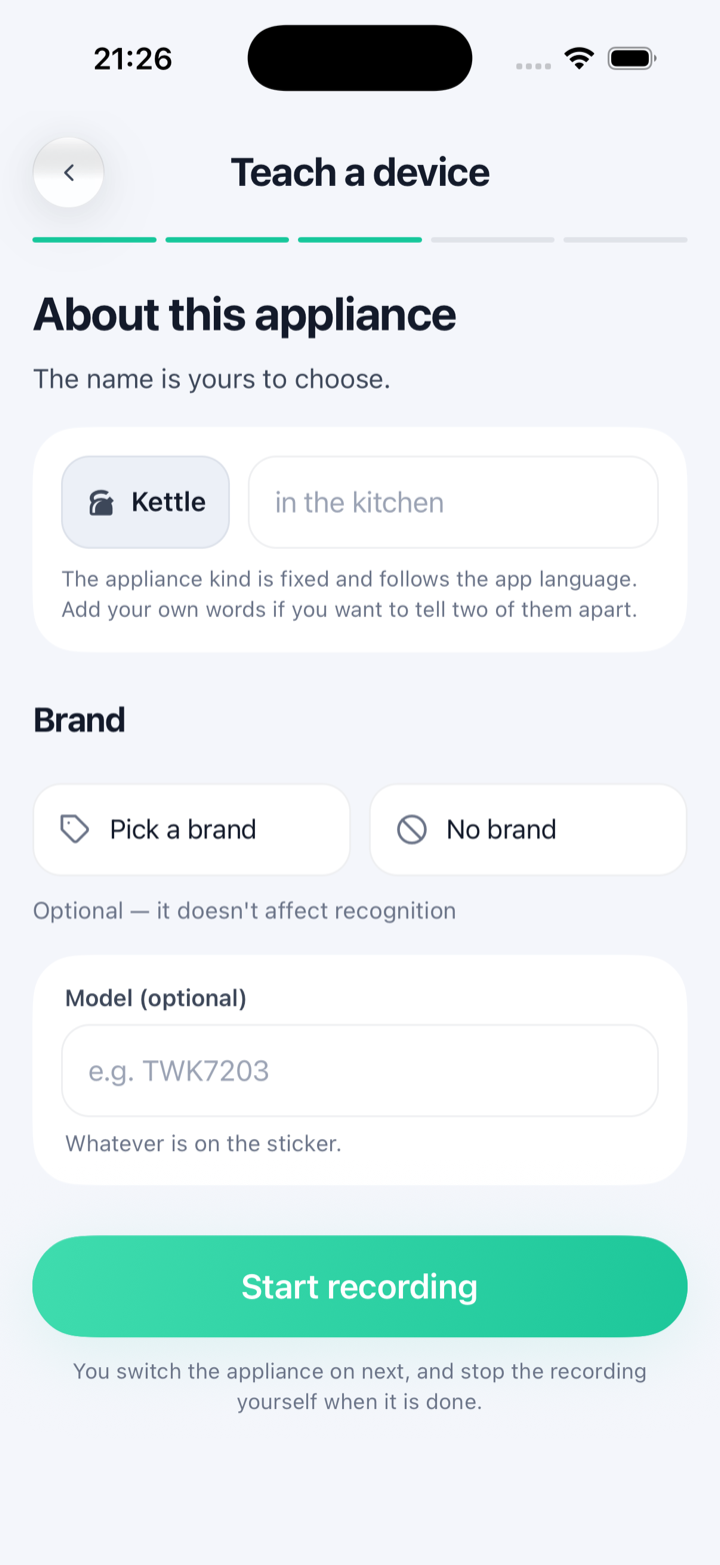
The model estimates supported household load categories. Teach mode currently supports heater and motor families; it does not add arbitrary new appliance categories. Results depend on the appliance and other loads running at the same time, so recognition should be checked during a pilot.
Can it tell one light from another, or appliances from different brands?
Not one by one. The sensor measures the total on the monitored phase and estimates ten built-in load categories, such as air conditioner, fridge, washing machine and ‘electronics & lighting’, so several lights, or two fridges, are reported together in their category. Heater and motor appliances are the exception: you can teach them one by one in teach mode, and the sensor can also find a new heater or motor appliance by itself and add it as an unknown heater or motor device for you to rename. Brand does not matter: recognition uses the shape of the power draw, not a product label.
Can you control devices with it?
No. Visiwatt measures and tells you; it does not switch anything on or off. There is no relay in it, and it is not a smart plug.
What is the point if there is no control?
Because most waste is not something you would have switched off — it is something you did not know was happening. An air conditioner running in an empty house, a fridge that quietly started drawing more than it used to, a heater on a timer nobody reset. Control assumes you already know what to switch. This tells you what is actually running and what it costs, and then you change the schedule, service the appliance, or change the habit. It also means nothing in your home can be switched by mistake, or by anyone else.
Is an electrician required for installation?
Yes. A qualified electrician must assess your panel and install the released hardware using its approved documentation. We cannot quote a fitting time before that assessment.
Does it work for apartments and houses?
Suitability depends on your electrical installation. A sensor measures one phase; a qualified electrician must assess any multi-phase arrangement against the released hardware.
Does it work without internet?
Measurement and recognition run on the sensor and continue when the connection drops. Stored readings can be uploaded after reconnection, within the sensor’s storage capacity. App history, account access and remote alerts use the cloud service and need connectivity. The current release has no local-only switch in Settings.
What if my sensor stops working?
It carries a two-year warranty. The appliance signatures it has learned live on the device, so a replacement has to learn your home again; anything you synced to the cloud comes back with your account. If something looks wrong, write to support@visiwatt.tech before an electrician touches the panel.
Is it secure? What data do you actually get?
Recognition happens on the sensor, not in our cloud. We measure electricity — there are no cameras, no microphones and no location tracking. What we hold is your account, the home details you add in the app, and your energy data: the power drawn at your panel, the appliance events the sensor recognises, and the names you give them. Learned recognition data is used on the sensor; a copy is kept in the cloud so it can be restored to your sensor after a reset. Energy readings, appliance metadata and diagnostic recordings can also be handled by the cloud service. We do not sell your data; it is not part of the business model. Read more in the privacy note.
Can I get my data out, or delete it?
Contact support@visiwatt.tech to request a copy of your data; the current app has no self-service export. Account deletion starts the cloud-data erasure process. The full detail is in the privacy note.